Fixing a Bent Ethernet-Port Pin
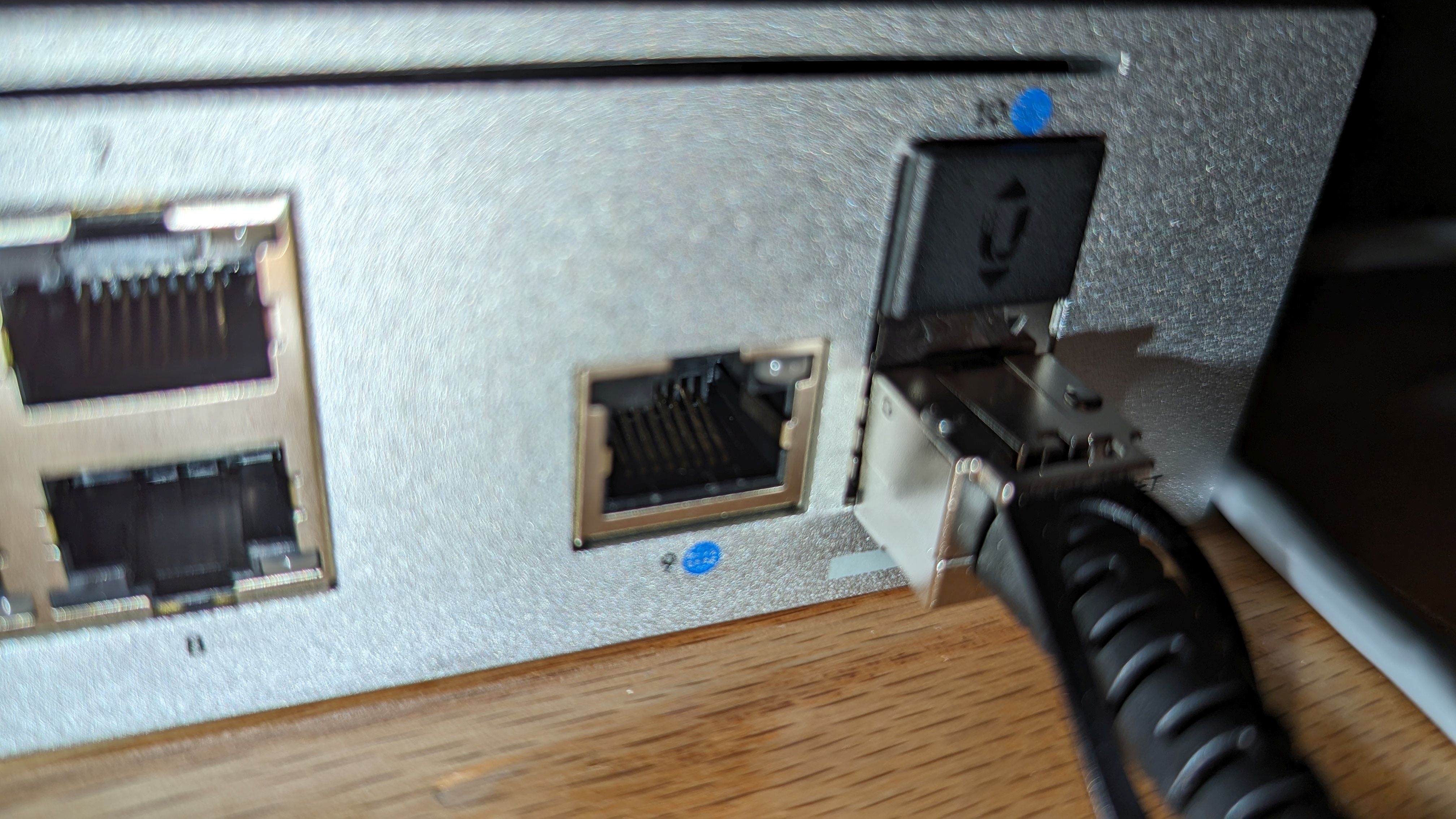
When an Ethernet port stops working, it could be one of the small metal contacts inside the Ethernet port has been bent out of position. This can happen if an ethernet cable gets nudged too hard, or a bad cable termination, etc.
An Ethernet port has eight spring contacts that press against the contacts on the RJ45 plug.
If one contact is lower than the others, bent sideways, or pushed too far back, it may not make reliable electrical contact with the cable. That can produce an intermittent connection, a link that only works when the cable is held at a certain angle, or no link at all.
Before taking anything apart, I checked the easy things:
- Tried a known-good Ethernet cable.
- Tested the cable with another device or port.
- Looked into the Ethernet port with a bright light.
- Compared the height and alignment of all eight contacts.
A bent pin is usually visible once you know what to look for. The contacts should sit in a neat, evenly spaced row.
Use A Very Small Hook
I bent a small paper clip into a tiny hook.
With the device powered off and unplugged, I carefully inserted the hook beside the affected contact and lifted it a very small amount. The goal was not to bend it far or make it perfect; it was only to bring it back into roughly the same position as the neighbouring contacts.
The contacts are thin spring metal. Bending one too far, scraping away its plating, or breaking it off will turn a small repair into a port replacement.
After adjusting the pin, I reconnected the Ethernet cable and saw the link came back.