Integrating A Ecobee Smart Thermostat with Home Assistant
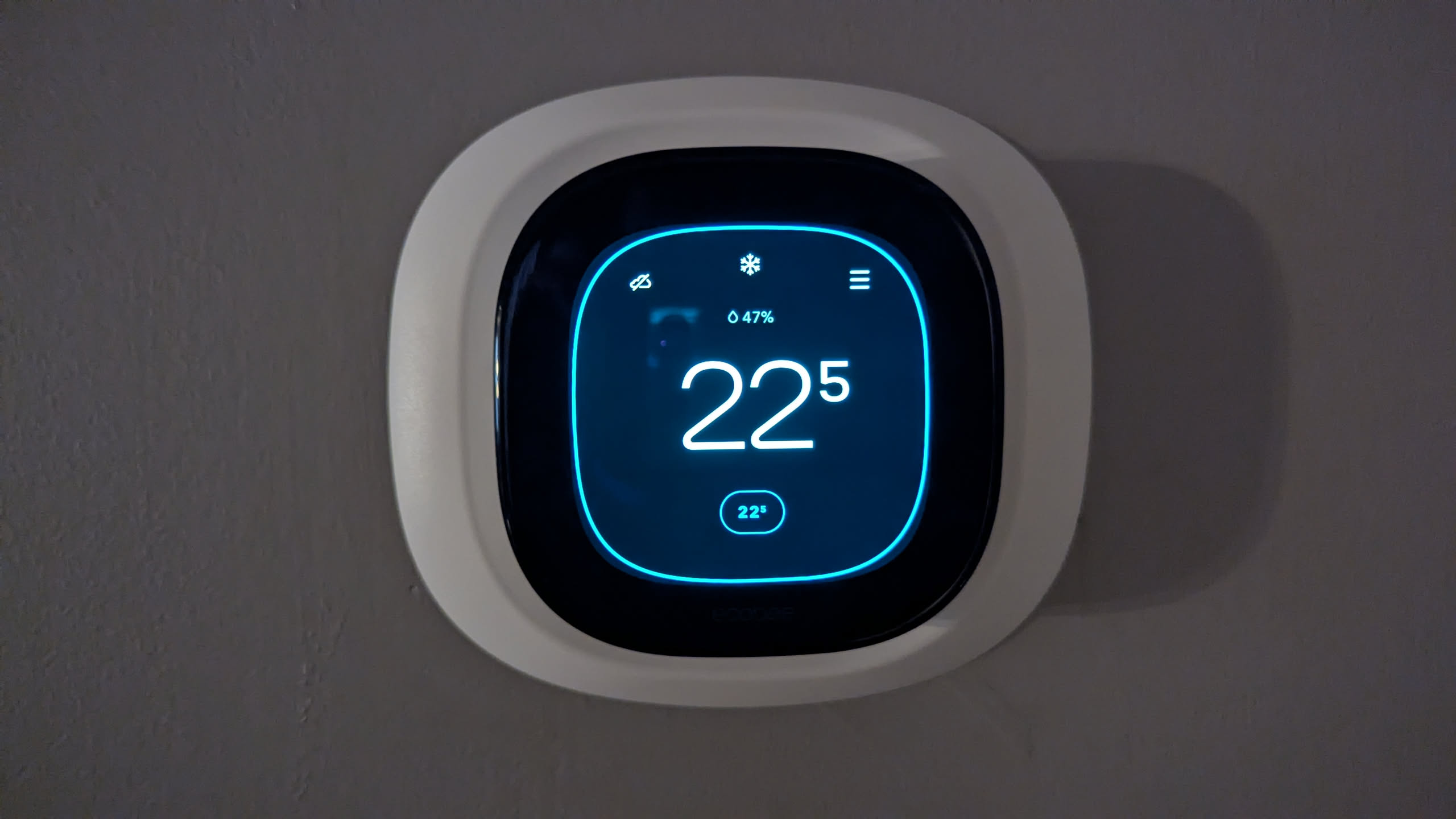
I replaced the existing thermostat with an Ecobee since there was an government energy incentive, and integration with the rest of my home automation setup.
The physical installation was straightforward. The more interesting part was getting Home Assistant to discover the thermostat across separate network segments.
Thermostat Wiring
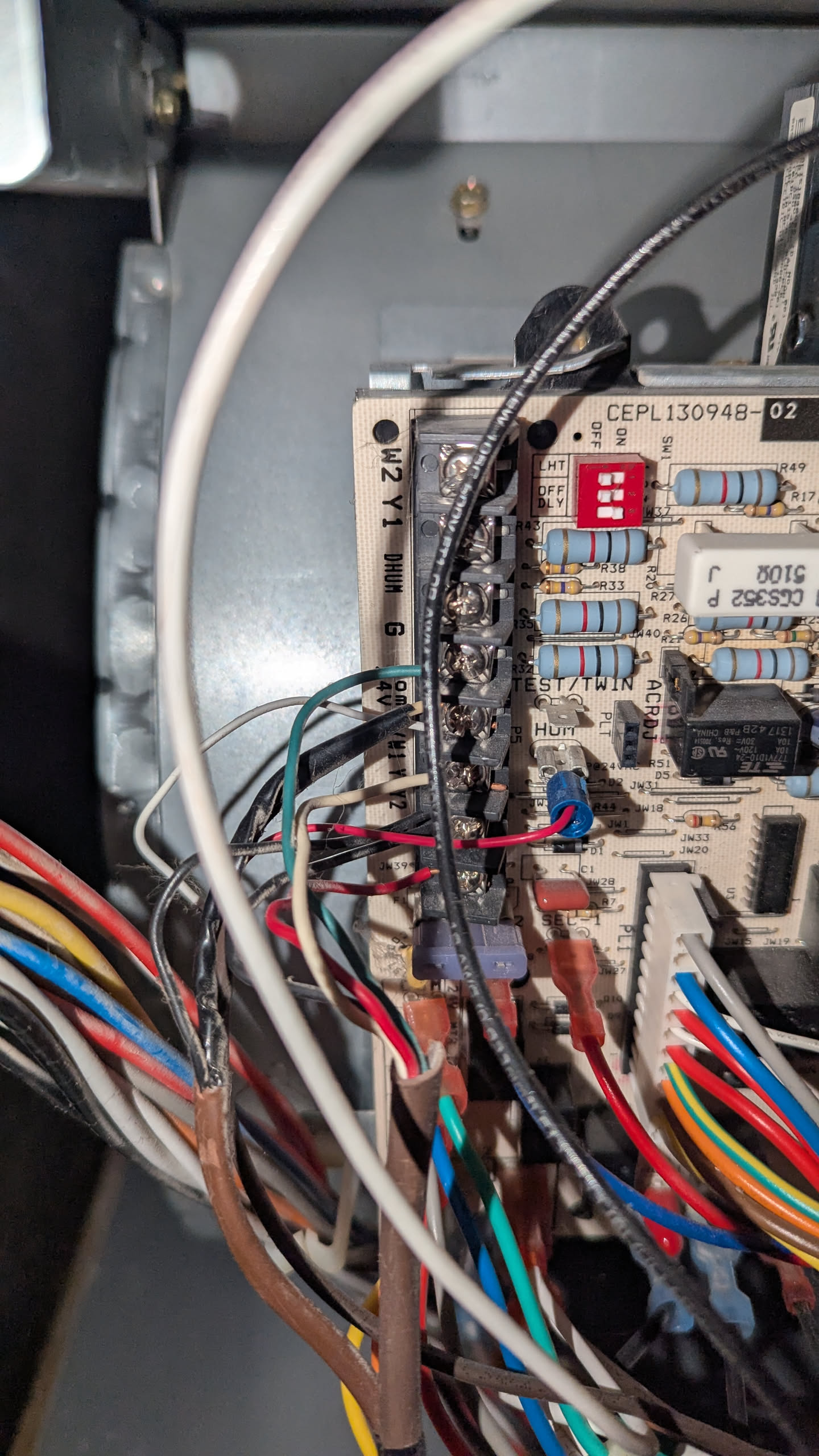
Before removing the old thermostat, I photographed and labeled the existing wiring. The HVAC control board uses the familiar low-voltage thermostat terminals, including connections for cooling, heating, fan control, and the common wire. The thermostat itself didn’t have power, so I had to use their Power Extender Kit to send power through the existing four HVAC wires.
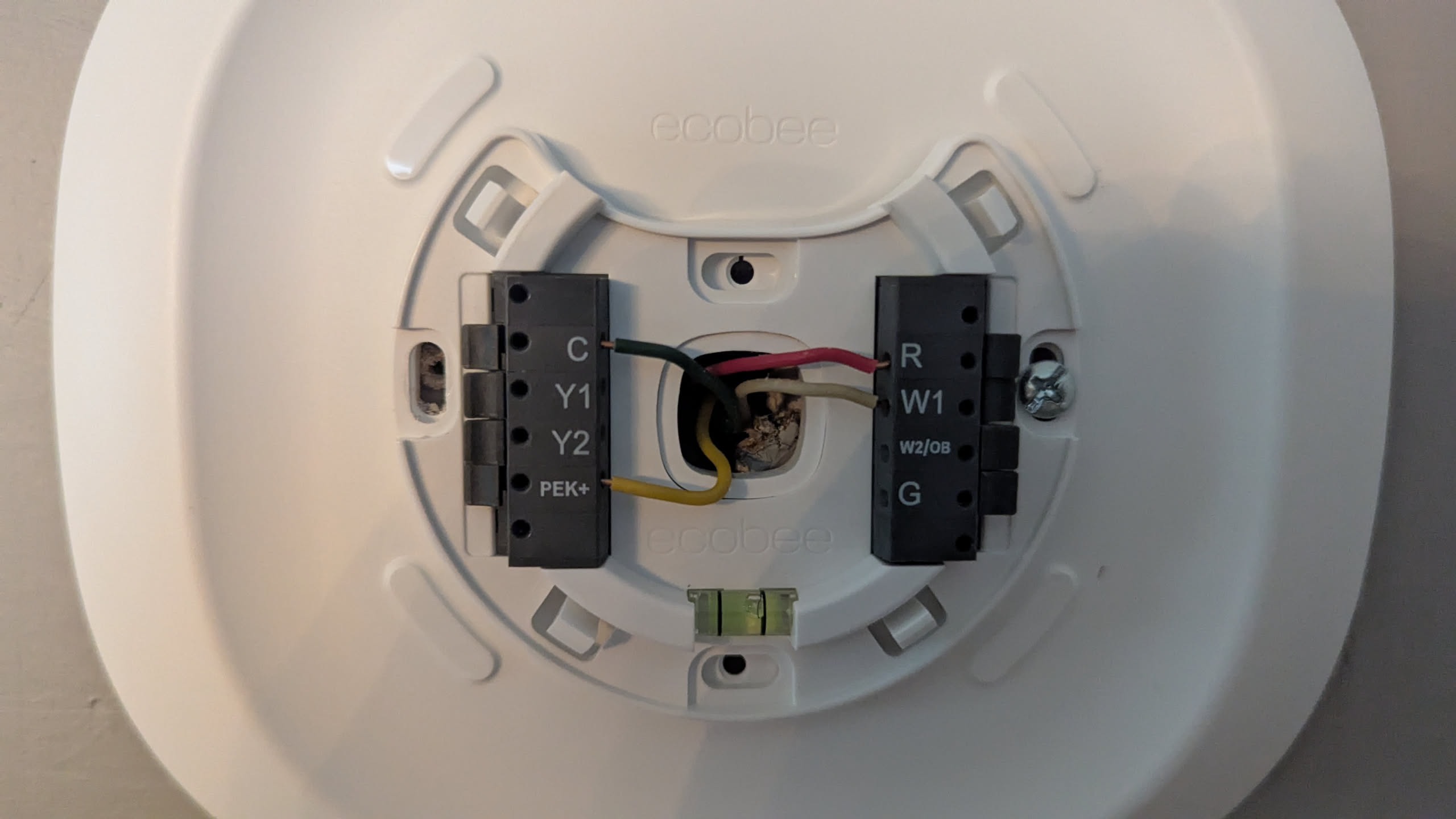
At the thermostat, the wires were connected to the matching Ecobee terminals:
Rfor 24 V powerCfor commonY1for coolingW1for heatingGfor the blower fan
Having a common wire available made the installation simpler, since the thermostat could be powered directly from the HVAC system rather than relying on an adapter or battery workaround.
Home Assistant Pairing
I connected the Ecobee to Home Assistant through the HomeKit Device integration rather than relying on a cloud-based integration (internet privacy is all the rage these days). The physical installation was straightforward, but getting Home Assistant to discover the thermostat took a little more work.
Home Assistant runs in a Docker network, while the Ecobee’s HomeKit discovery advertisements arrive on the host’s physical network interface. HomeKit relies on multicast DNS (mDNS) for local discovery, and that traffic does not automatically cross between a host network and an isolated Docker network.
To bridge that boundary, an mDNS repeater is required. It re-broadcasts mDNS traffic between the host’s external network interface and the Docker network used by Home Assistant. Once the discovery traffic could reach the container, Home Assistant was able to find and pair with the thermostat through the HomeKit Device integration.
The thermostat now works normally from the wall while also appearing in Home Assistant for monitoring and automation. The hardware installation was a short project; getting HomeKit’s local discovery traffic across the boundary between the physical network and Docker was the actual rabbit hole.